No create step
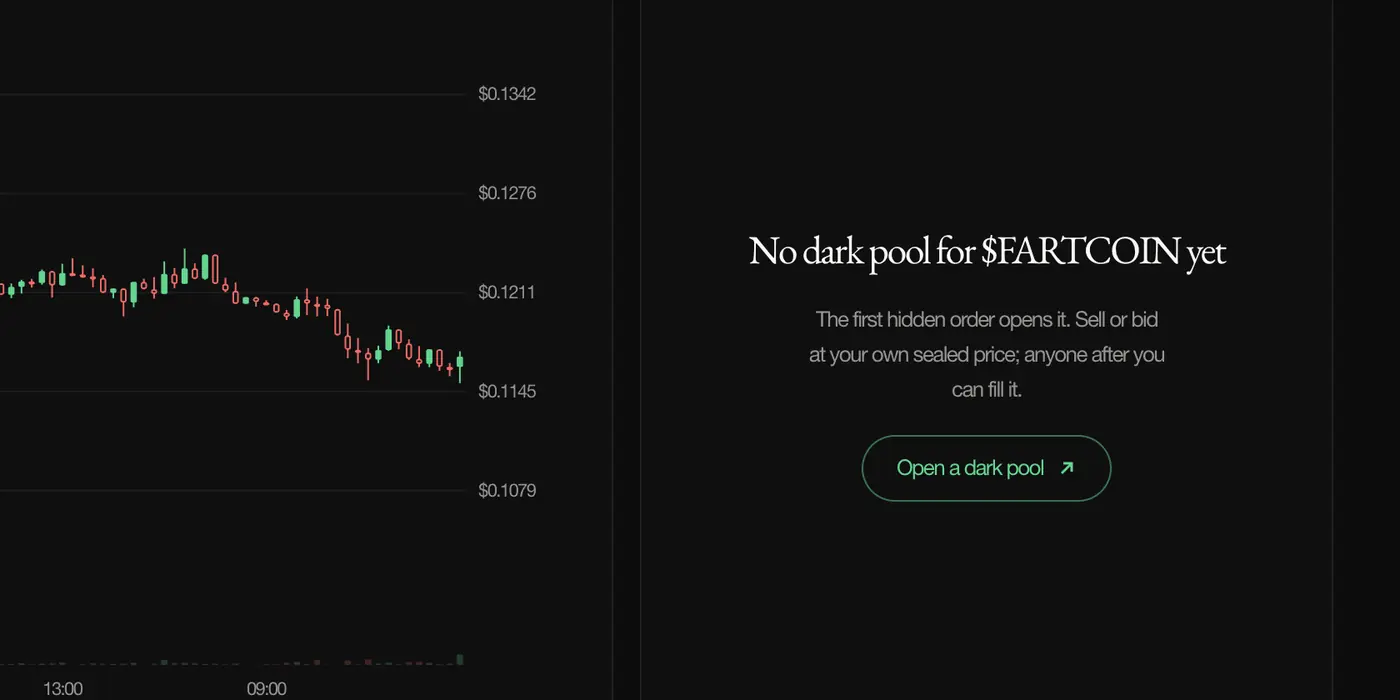
A coin's dark pool opens with its first hidden order. There is no listing, no fee to open and nobody to ask. On a coin page with nothing resting, the button reads Open a dark pool; once orders rest there it reads Trade in the dark.
Hide a sell order
- 1On the coin's page, select Open a dark pool. The pool opens with the coin filled in.
- 2Under You sell, size it in coins, or in % supply with the quick picks 0.1% to 5%.
- 3Under Price, pick a discount to spot, −6% −9% or −12%, or set a fixed price.
- 4Select Hide sell order. With no wallet connected yet, the button reads Connect wallet first.
- 5Approve in your wallet. The coins move into escrow and the order rests, hidden.
Opening an order sets aside a small rent deposit, a few thousandths of a SOL, for its account on chain. It comes back to you when the order closes.
After it rests
The coin's dark book now shows a sealed order: its side, size and age, never its price. When a buyer crosses your price it fills, in full or in part, and the SOL goes to the wallet under SOL goes to. You can cancel at any time.