Buy from the pool
- 1On a coin with orders resting, select Trade in the dark. The pool opens with the coin filled in.
- 2Choose Market and select the arrow between the fields to flip to buying.
- 3Enter how much. In the pool shows how much of it the hidden orders can fill, before you sign.
- 4Select Buy from the pool and approve. The coin arrives in one transaction; the chart never sees it.
Hide a buy order
No seller resting yet? Leave a hidden bid instead.
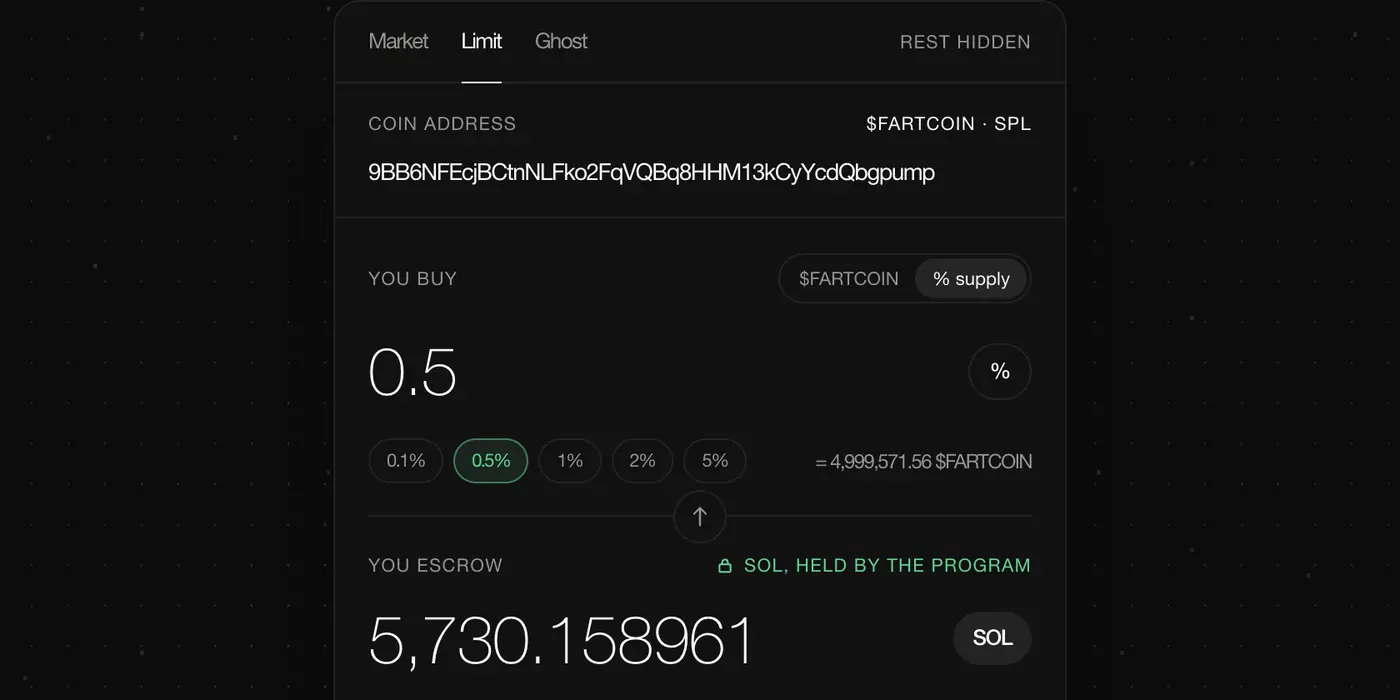
- 1Open the pool and paste the coin's address into Coin address.
- 2Select the arrow between the two fields to flip from selling to buying.
- 3Choose how much: an amount of the coin, or a share with 0.1% to 5% of supply.
- 4Set the most you'll pay: a discount to spot such as −6%, or a fixed price.
- 5Select Hide buy order and approve. Your SOL waits in escrow, held by the program, until a seller crosses your price.
Either way the seller pays the fee; a buyer pays only the price.
Where the coin lands
By default the coin goes to the wallet that signs. Select this wallet · change next to Coin goes to to send it to a fresh address instead.